Is TippyTip available on other devices and/or other languages.
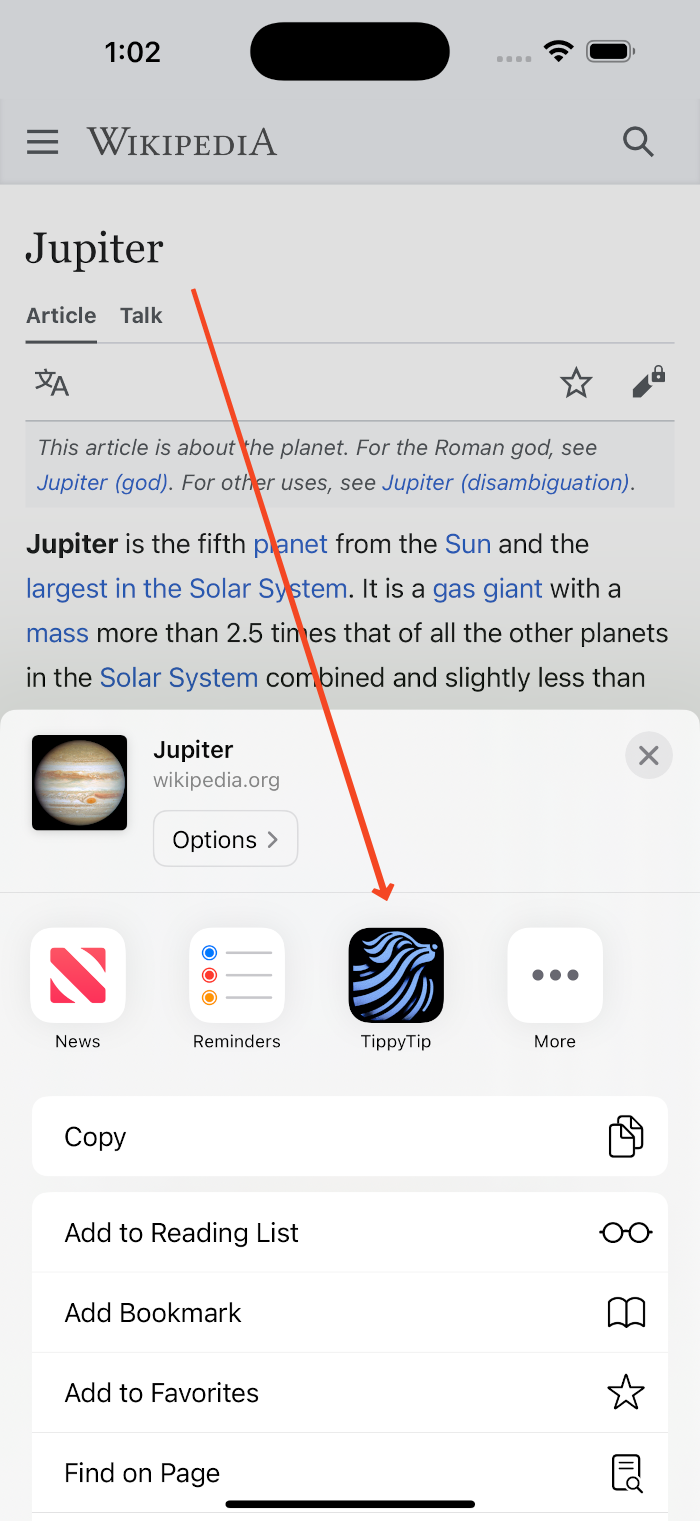
TippyTip is currently available for iOS 16.0+ devices (iPhone and iPad).
Expansion to other devices is aspirationally planned for the future. You can easily export your saved content as a CSV file and import it into other link management apps that work on other devices.
TippyTip is currently only available in English. However, if you enable the optional AI summarization feature, OpenAI can in some cases detect the language of the content and generate summaries in that language.
How does the optional AI summarization work?
To be 100% clear, TippyTip is a manual tagging and summary app out of the box. You do not need to use the AI features at all. You can use the manual tagging and manual summary features for all websites.
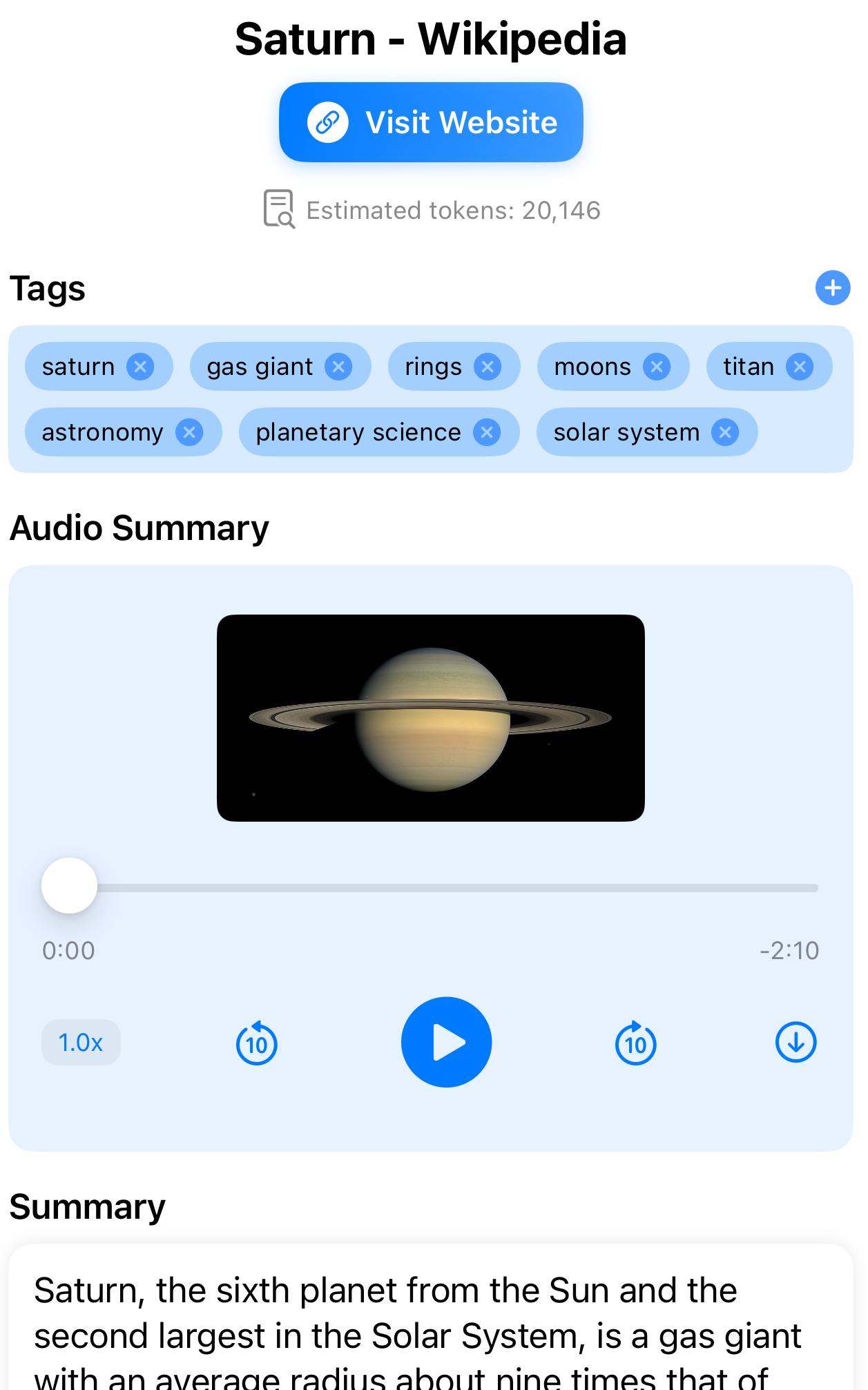
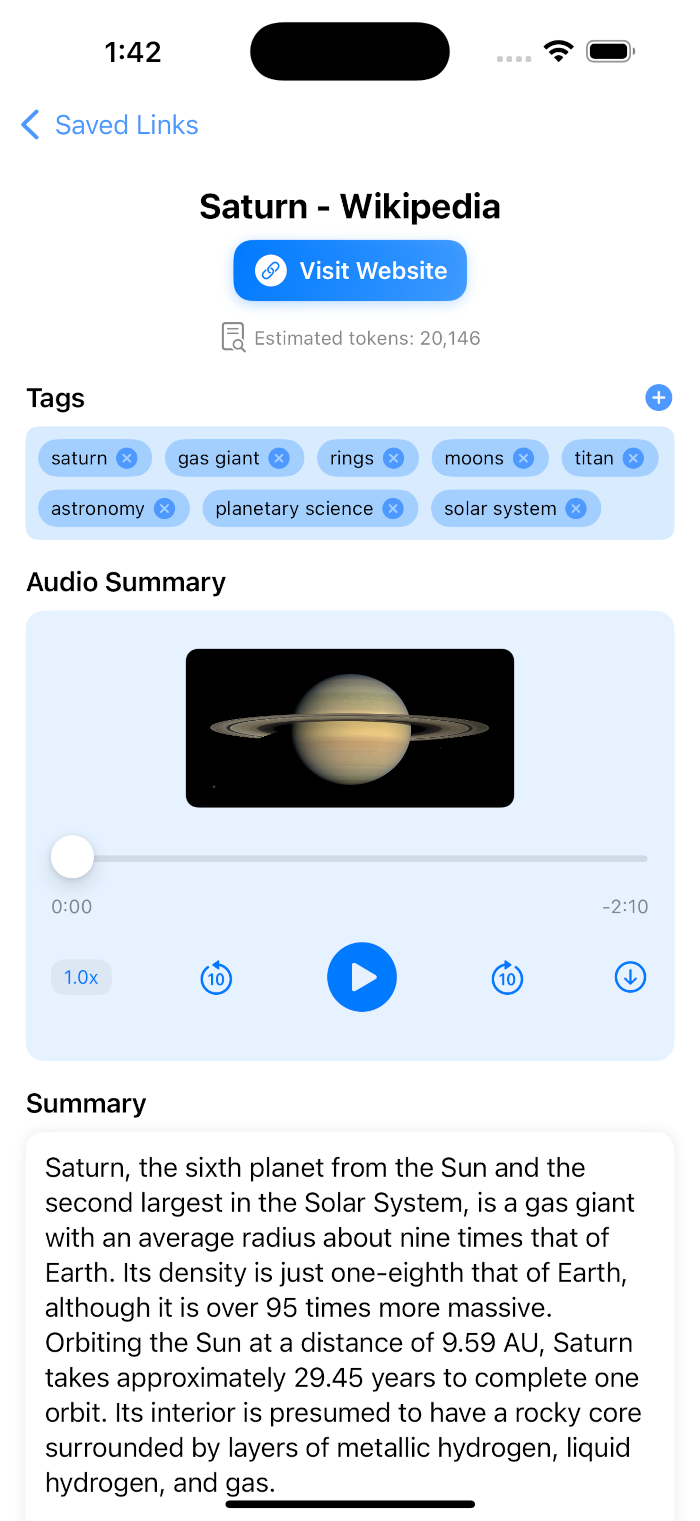
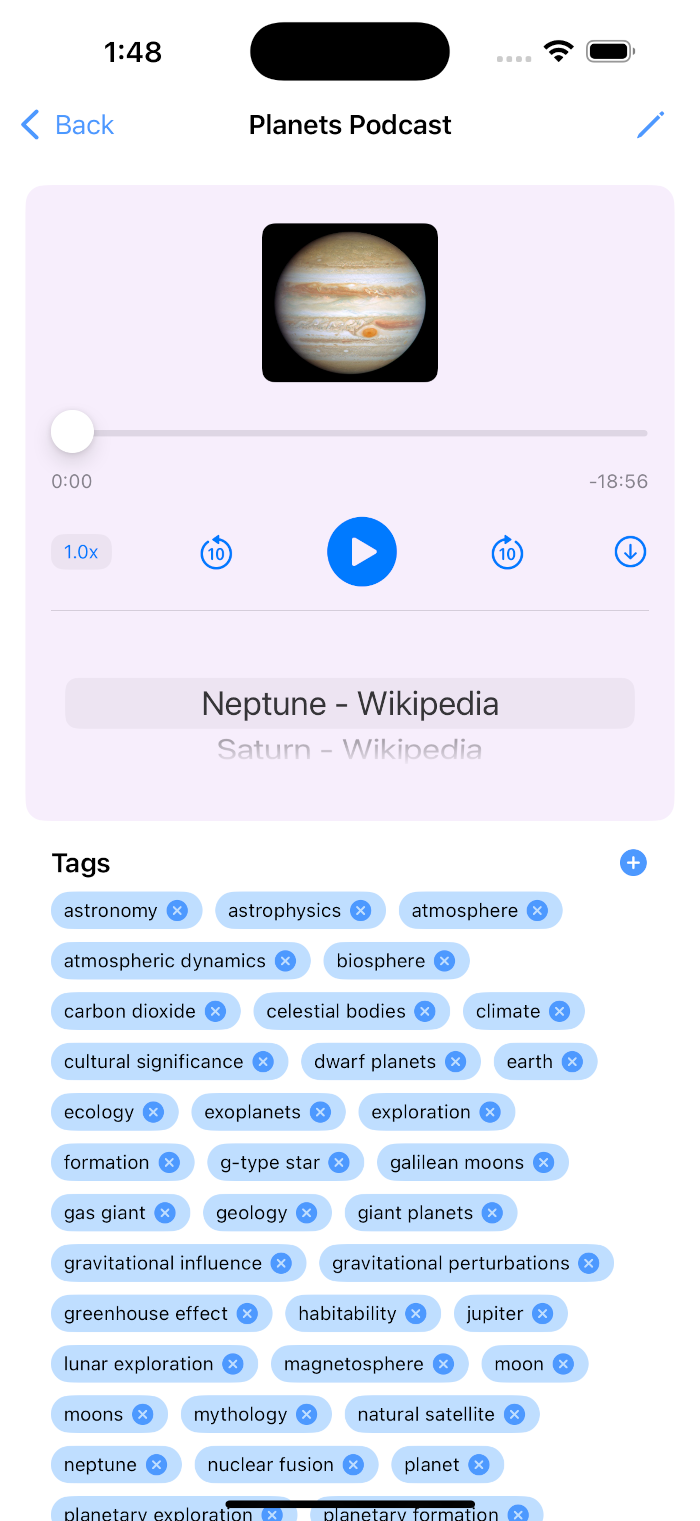
Under settings, you can enable OpenAI empowered automatic tagging and summarization (requires your own OpenAI API key which is securely stored on device only, if you don't have one you can create one at platform.openai.com/api-keys). GPT-4o-mini will analyze your web content and generate concise, accurate tags and summaries that capture the key points. Before presenting these to the user, the app will process the generated tags and summaries through OpenAI's moderation API to ensure they satisfy Apple's App Store guidelines (the moderation calls are free). If you select to enable automatic audio creation in the settings, the app will use OpenAI TTS to generate audio recordings of your summaries. This feature will count against your OpenAI API usage, so users should monitor their usage and costs separately from the app.
Does it work for all websites?
Manual tagging and summarization works for all websites, since in this mode TippyTip is just a weblink storage app with manual tagging and summaries created by the user.
Automatic tagging and summarization only works for websites that do not require subscription or login, nor will it work for sites that require heavy javascript or human verification to access the content. If you enable AI mode and share an inaccessible site such as one that requires login or human verification, TippyTip will not be able to access the content properly and the automatically generated tags and summaries will not be accurate and will count against your OpenAI API usage.
In AI enabled mode only: In order to abide by Apple's App Store guidelines, TippyTip will process the generated tags and summaries through Open AI's moderation API before displaying them to the user (using your provided API key). This is a safeguard to prevent the generation of offensive or harmful content. Websites with content that is not allowed by OpenAI's moderation API will not be accessible and will not be able to generate summaries or tags.
Is my data private and secure?
Yes, your data is stored locally on your device and optionally synced through your personal iCloud account (option in settings, defaults to off). However, if you enable the optional AI summarization feature, your webpage content will be sent to the OpenAI API service for processing.
TippyTip does not collect any of your data. There is no central server that TippyTip reports back to. If you opt to use OpenAI API for automatic tagging and summarization, your API key is securely stored on device only.
OpenAI is a third party service and subject to their own privacy and security policies, TippyTip will only share webpage content with OpenAI API service for the purpose of generating/moderating summaries and tags if you choose to use this feature.
How much does TippyTip cost?
Free from the App Store, no strings attached.
However, if you want to use the OpenAI API for automatic tagging and summarization, you will need to provide your own OpenAI API key in settings and monitor your usage and costs separately from the app.
Text summary and tagging use GPT-4o-mini which is a low cost rapid model. The OpenAI moderation API (used to ensure generated tags and summaries satisfy Apple's App Store guidelines) is a free API call. However, the optional audio summary uses OpenAI TTS which can be more costly. The user is responsible for any costs incurred from using the OpenAI API. If you share an inaccessible site such as one that requires login or human verification, TippyTip will not be able to access the content properly and the automatically generated tags and summaries will not be accurate and will count against your OpenAI API usage.
Can I export my saved content?
Yes, we have no interest in locking you in to just TippyTip.
TippyTip happily enables you to export your content in various formats for backup or sharing purposes. Your list of links and their summaries can be exported to a CSV file that can be imported into other link management apps. Audio files can be downloaded and shared anywhere.